

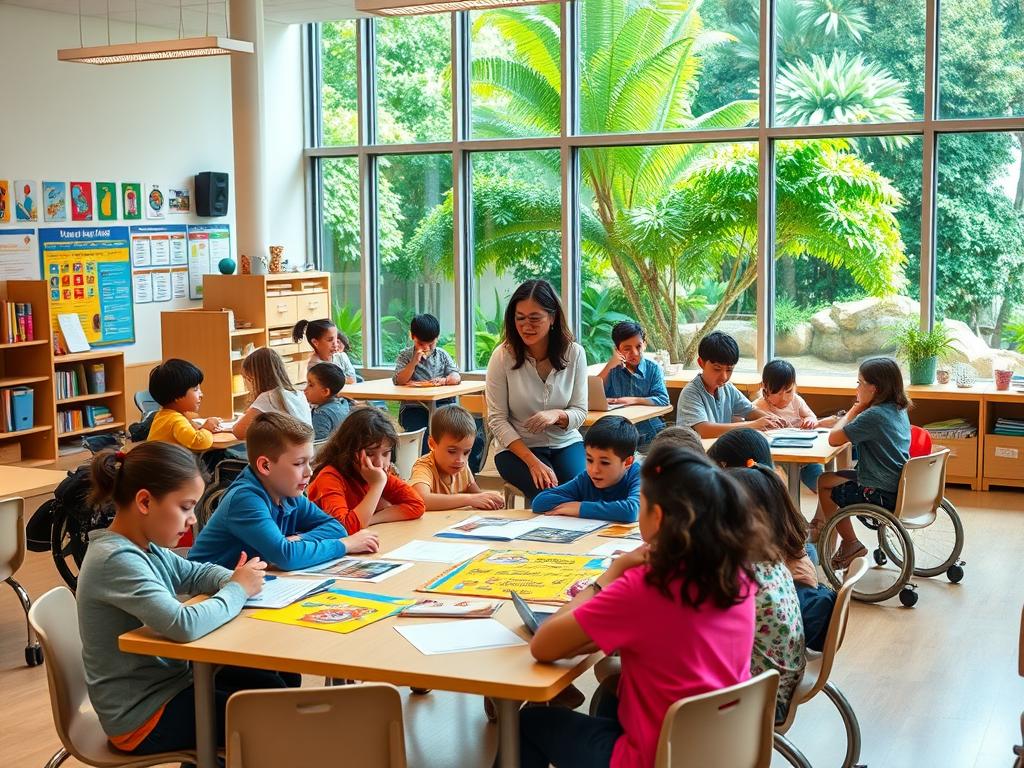
Creating classrooms where every student thrives requires intentional planning. Schools must address physical, sensory, and cognitive differences to ensure equitable participation. This approach aligns with standards like the Americans with Disabilities Act (ADA) and Web Content Accessibility Guidelines (WCAG).
Educators play a vital role in adapting materials and teaching methods. Simple changes—like offering text-to-speech tools or flexible seating—can reduce barriers for those with diverse needs. Clear communication about expectations helps build confidence among learners.
Legal requirements aren’t the only motivation. Ethical teaching demands prioritizing fair access to resources and activities. When schools embrace this mindset, they foster collaboration and respect among peers.
This article explores practical ways to enhance equity in schools. Topics include curriculum adjustments, technology integration, and staff training methods. Each strategy aims to empower educators while meeting legal obligations.
Understanding the Foundations of Accessible Education
Building equitable spaces starts with core principles that remove barriers. At its heart, this means designing systems where every student can engage with materials and peers without limitations.
Defining Key Principles
Accessible education involves creating tools and settings that accommodate physical, sensory, or cognitive differences. For example, providing digital textbooks with adjustable fonts supports diverse needs. This approach goes beyond compliance—it fosters participation and confidence.
How Spaces Shape Success
Classrooms built on universal design principles naturally adapt to learners. Flexible layouts, visual aids, and speech-to-text software help those with disabilities contribute fully. Studies show such environments boost collaboration and reduce stigma.
Legal standards like IDEA guide schools, but proactive strategies yield better results. Training teachers to use varied teaching methods ensures no one falls behind. When classrooms prioritize adaptability, they become hubs for growth.
Creating an Inclusive Classroom Climate
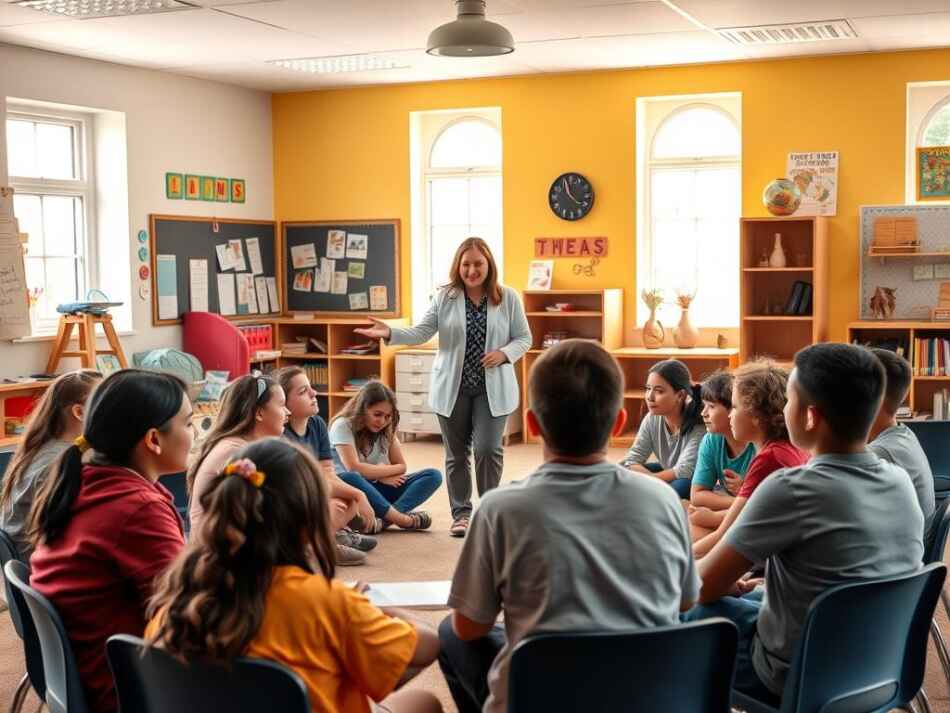
A supportive classroom begins with mutual respect and shared goals. Teachers who outline clear behavioral guidelines early help students understand how to collaborate effectively. Simple rules like active listening and valuing diverse perspectives create a foundation for trust.
Setting the Tone for Respect
Consistency matters. When educators model empathy and address conflicts calmly, students mirror these behaviors. For example, using tools like screen readers during group activities ensures those with visual impairments participate fully. Regular check-ins allow teachers to adjust approaches based on individual needs.
Strengthening Connections
Small actions build big bonds. Icebreakers that highlight personal strengths or peer mentoring programs foster camaraderie. Teachers might:
- Host weekly “share circles” where students discuss achievements
- Pair classmates for project-based tasks requiring teamwork
- Use digital polls to gauge comfort levels with new topics
Tracking progress through anonymous feedback forms helps measure inclusion efforts. When 82% of learners report feeling heard, it signals a thriving environment. Adaptable strategies ensure no one’s needs overshadow others’ growth.
Ensuring Accommodations and Support for Diverse Needs
Effective support for students begins with tailored solutions. Schools must work closely with disability services teams to identify barriers and implement personalized strategies. This partnership ensures that individual needs shape classroom practices rather than generic protocols.
Collaborating with Student Disability Services
Disability offices provide critical insights into student requirements. Regular meetings help teachers adapt materials and assignments. For example, offering extended test time or audio versions of textbooks creates fair opportunities for those with dyslexia or mobility challenges.
Integrating Assistive Technologies and Tools
Tools like screen readers and real-time captioning bridge gaps in participation. Platforms such as Ally automatically adjust digital content for readability. Teachers can:
- Use voice recognition software for students with motor disabilities
- Provide tactile graphics for visual learners
- Offer adjustable font sizes in handouts
Frameworks like Section 504 and IDEA guide these efforts. When schools prioritize adaptable resources, students gain confidence to engage fully. Research shows such measures improve retention rates by 34% in diverse classrooms.
Implementing Universal Design for Learning Strategies
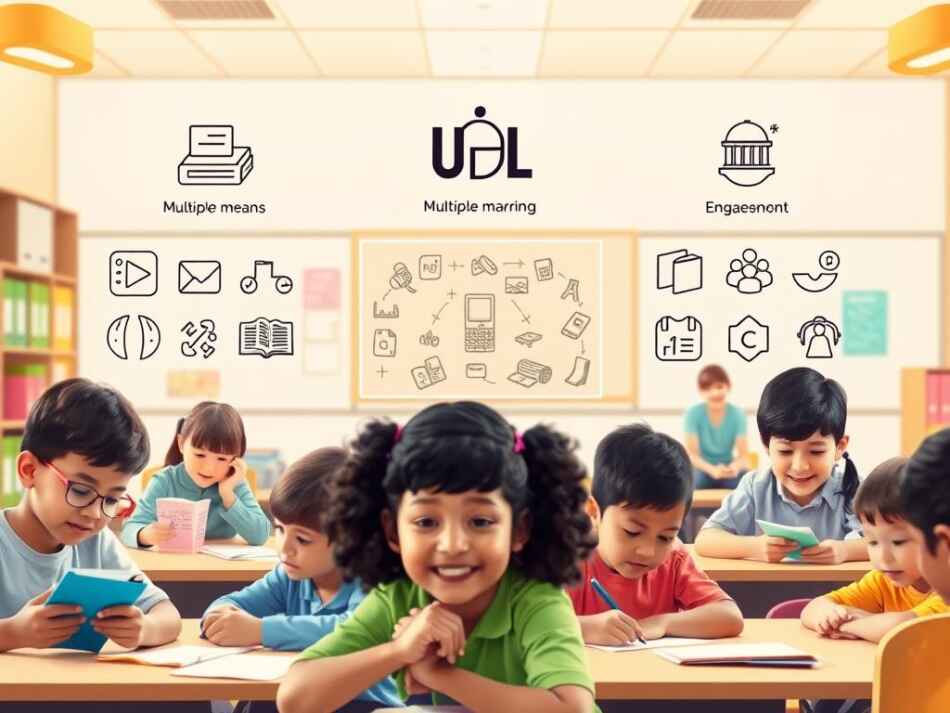
Universal Design for Learning (UDL) reshapes how educators approach instruction. This framework prioritizes flexibility, offering multiple pathways for students to absorb information, participate actively, and showcase skills. By focusing on varied abilities, it moves beyond rigid lesson plans to create dynamic classrooms.
Multiple Means of Representation, Engagement, and Expression
UDL’s core principles address how content is delivered. Teachers might provide video lessons alongside text summaries to support auditory learners. Interactive simulations engage those who thrive with hands-on tasks. For assessments, options like presentations or visual projects let students demonstrate mastery in their preferred style.
Adaptive Materials and Methods for All Learners
Adaptability reduces barriers without singling out individuals. Schools using UDL often:
- Offer audio textbooks alongside printed versions
- Use adjustable color contrasts in digital materials
- Allow typed or verbal responses to quizzes
These accommodations empower a diverse group of learners. A middle school in Ohio saw participation rise 40% after introducing choice-based projects. Such methods prove that effective design isn’t one-size-fits-all—it’s about building options into every lesson.
Incorporating Differentiated Instruction and Teaching Methods
Effective classrooms thrive when instruction adapts to individual capabilities. Differentiated teaching allows educators to address varied skills through customized activities and resources. This method moves beyond standardized lessons, focusing instead on how students process knowledge differently.
Assessing Individual Learning Preferences and Needs
Identifying student needs starts with observation and feedback. Teachers might use quick surveys or one-on-one chats to gauge preferences. For example, some learners excel with visual aids, while others prefer hands-on tasks.
Digital tools like web-based quizzes track progress without pressure. Analyzing results helps educators adjust pacing or materials. This proactive approach reduces discrimination by valuing diverse thinking styles equally.
Flexible Grouping and Personalized Support
Group work becomes powerful when teams shift based on skills. A math class might pair visual learners with tactile peers for geometry activities. Rotating groups weekly prevents labeling and encourages collaboration.
Personalized support includes:
- Offering alternative assignment formats (videos instead of essays)
- Providing tiered reading materials at varying difficulty levels
- Using breakout rooms for targeted skill practice
Schools report higher engagement when teachers apply their experience to these strategies. A Texas district saw test scores rise 19% after adopting flexible grouping. Continuous training ensures educators refine methods to uphold inclusivity.
Leveraging Technology for Digital Accessibility
Digital tools reshape how students interact with educational content. Schools must prioritize platforms that adapt to diverse needs, ensuring no one faces unnecessary hurdles. This begins with intentional design choices and ongoing testing.
Designing Accessible Online Learning Environments
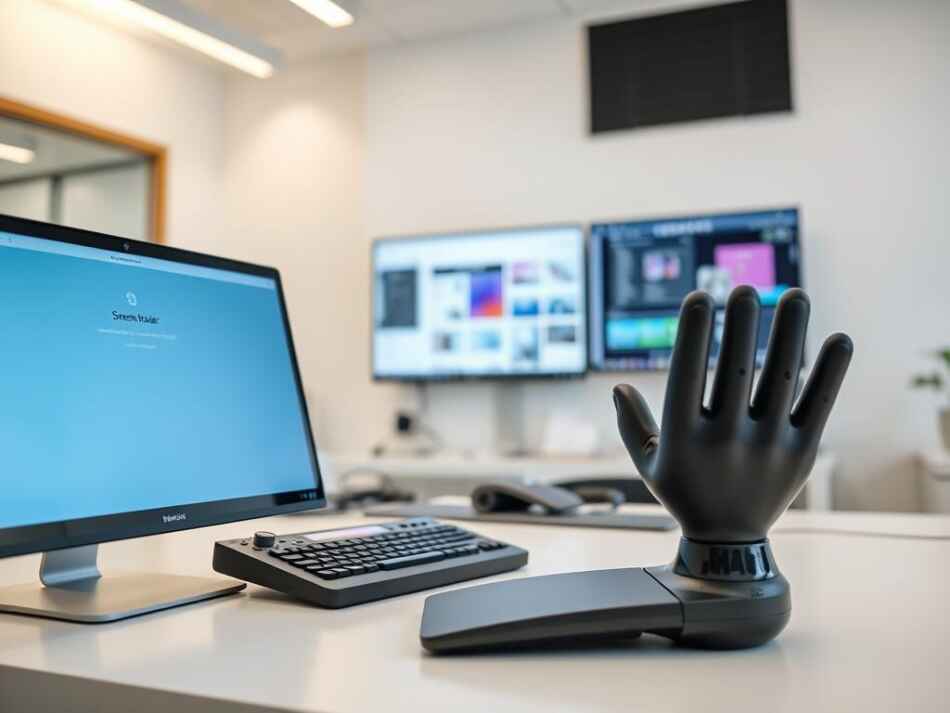
Accessible digital spaces require clear navigation and compatibility with assistive devices. Key methods include using high-contrast colors, descriptive headings, and keyboard-friendly interfaces. Platforms should undergo regular audits to identify gaps like broken links or missing alt texts.
Involving parents and students in user testing provides actionable insights. For example, a school in Michigan improved course accessibility by 60% after incorporating feedback from families. These efforts ensure compliance while fostering independence.
Utilizing Screen Readers, Captions, and Alt Texts
Tools like JAWS and NVDA readers help those with visual impairments navigate content. Best practices include:
- Writing concise alt texts for images (e.g., “Bar chart showing 2023 enrollment trends”)
- Adding captions to videos for students with hearing differences
- Ensuring PDFs are tagged for screen reader compatibility
Automated captioning software speeds up implementation, but manual reviews catch errors. Schools that pair technology with human checks see fewer barriers in virtual classrooms. Continuous updates keep these aspects aligned with evolving standards.
Best Practices for “Accessibility, Inclusive Learning, Educational Environment”
Schools that prioritize equity blend proactive design with responsive solutions. Merging universal frameworks with targeted adjustments creates spaces where all students engage meaningfully. This approach aligns with the Americans Disabilities Act while fostering collaboration.
Universal Design Meets Targeted Support
Start by embedding flexibility into physical and digital materials. For example, provide text alternatives for diagrams and adjustable seating arrangements. Pair these with individualized tools like speech-to-text software for those facing specific barriers.
Regular audits ensure materials meet evolving needs. A district in Oregon improved engagement by 28% after revising lesson formats based on student feedback. Teachers report better outcomes when adapting resources before challenges arise.
Reducing Digital Obstacles
Combat tech-related hurdles with three strategies:
- Use automated captioning tools for videos, followed by manual reviews
- Test websites monthly for screen reader compatibility
- Offer keyboard shortcuts alongside touchscreen options
Platforms like Canvas and Blackboard now include built-in accessibility checkers. Training staff to use these features ensures compliance while saving time.
Legal standards provide a baseline, but exceeding them builds trust. Schools adhering to WCAG 2.1 guidelines see fewer complaints and higher parent satisfaction. Continuous improvement turns classrooms into thriving inclusive learning environment hubs.
Conclusion
True educational equity emerges when schools blend adaptable frameworks with proactive support. The strategies discussed—from universal design principles to assistive technologies—empower students to engage fully, regardless of individual challenges.
Educators, policymakers, and community partners share responsibility for removing barriers. Regular evaluations of tools and teaching methods ensure alignment with evolving needs and standards like the ADA.
For actionable steps toward equitable classrooms, explore proven strategies for equitable participation. Consistent implementation of these approaches fosters spaces where diverse abilities become catalysts for collective growth.
Prioritizing student needs isn’t optional—it’s foundational to modern education. By committing to these practices, schools transform compliance into meaningful progress.