
The journey to becoming a great programmer can feel like finding your way without a map. Many developers find it hard to know if they’re getting better. This is true for both new and experienced programmers.
A good code progress tracker can change this confusing journey into a clear path. These tools give you real numbers that show your strengths and what you need to work on. They give you feedback that you can’t get from just checking yourself.
Seeing your progress can really boost your motivation. It makes learning more focused. You can target specific skills you need to improve, not just guess what to learn next.
This focused learning helps you grow faster and avoid getting stuck. It’s why many people keep going even when it gets tough.
Today’s programming skill apps are all about different things. Some make learning fun by turning it into a game. Others focus on tracking your work on real projects. There’s something for everyone, so you can find the right tool for you.
Introduction to Coding Skill Trackers
Today, developers use coding skill trackers to show their progress clearly. These tools help them find their way in the vast world of programming. Unlike old ways of learning, these trackers give real data to guide them.
Learning to code can feel like walking in a fog. Without tracking tools, it’s hard to see how far you’ve come. That’s where these tools come in, making learning clear and structured.
Importance of Tracking Coding Skills
Tracking your coding progress is key in programming education. It’s hard to measure how much you’ve learned. Without clear metrics, developers might feel like they’re not getting anywhere.
Effective skill tracking creates multiple benefits for developers:
- It helps set clear goals for learning.
- It shows how much you’ve improved over time.
- It points out your strengths and weaknesses.
- It keeps you motivated with clear goals.
- It helps avoid getting stuck in a learning rut.
When you can see your progress in charts or assessments, learning becomes real. This makes it easier to stay motivated, even when it’s tough.
Overview of Available Tools
The market has many coding skill trackers, each with its own way of tracking progress. These tools range from learning dashboards in educational platforms to apps that focus on skill assessment.
The main types of tracking tools include:
- Dedicated skill assessment platforms that test your coding skills.
- Project-based trackers that track your progress through coding challenges.
- Learning management systems with analytics for course completion.
- Version control platforms that track your coding activity.
- Specialized goal tracking for coders with customizable metrics.
Each tool meets different needs in the developer community. Some focus on learning many skills, while others focus on mastering specific technologies. The right tool depends on your learning style and goals.
How These Tools Enhance Learning
Modern coding skill trackers do more than just track progress. They analyze the quality and complexity of your code and what you’ve learned.
These tools improve learning in many ways:
- They give personalized feedback to improve specific areas.
- They adjust challenges based on your skill level.
- They help you use your study time wisely.
- They use algorithms to help you remember what you’ve learned.
The best tools create a cycle of learning. They analyze your performance and suggest areas to practice. This makes sure you focus on improving important skills.
These tools turn coding mastery into measurable achievements. Seeing your progress helps keep you motivated. It makes coding a rewarding journey with clear goals.
Key Features of Effective Skill Trackers
The best coding skill trackers have special features that help a lot with learning and staying interested. They give insights, not just numbers. Knowing these features helps programmers pick the right code progress tracker for their goals.
User-Friendly Interface
A good interface is key for any skill tracking tool. It should be easy to use so developers can focus on coding. It’s important to see progress clearly.
Good learning dashboards let users choose what matters most to them. They use colors and simple designs to make it easy to see how you’re doing.
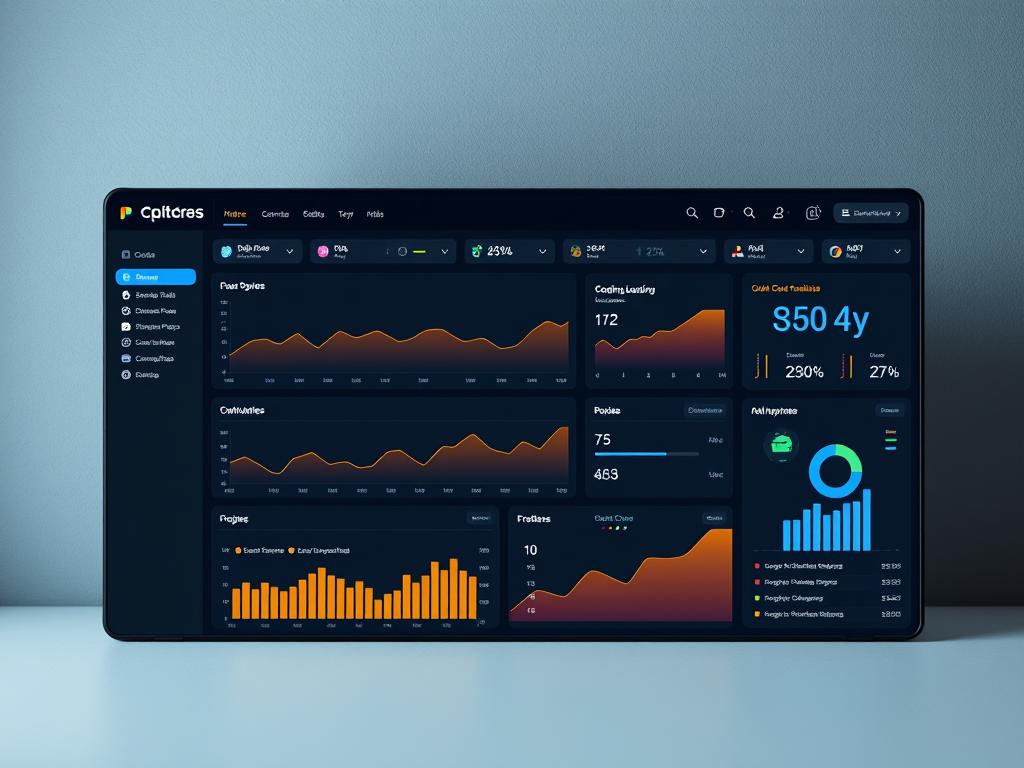
The best interfaces show a lot of information in a simple way. They use charts and graphs to show how skills improve over time.
Analytics and Reporting Capabilities
Good analytics turn data into useful insights. They look at more than just how much you’ve done. They check how long you spend on topics, how often you make mistakes, and how your skills grow.
Top code progress trackers give detailed reports. They show what you’re good at and what you need to work on. Reports might show:
- What topics need more practice
- How fast you’re learning compared to your goals
- How your skills are growing in different areas
- What areas you should focus on next
Being able to share these reports is very useful. It helps with learning from others and building your portfolio. Some tools even predict the best learning paths for you.
Integration with Learning Platforms
The best trackers work well with other learning tools. They connect with coding environments to log your work automatically.
Working with popular learning sites makes tracking easier. It lets you see your progress in one place. This might include:
- Version control systems like GitHub
- Online learning platforms like Codecademy or Udemy
- Coding challenge sites like LeetCode or HackerRank
- Project management tools for tracking your skills
These connections make tracking more accurate. They give a complete view of your skills, both in theory and practice.
The most advanced trackers also let you connect through APIs. This means you can add your own tools and keep your tracker up to date with your needs.
Popular Coding Skill Tracking Apps
Today, developers have many apps to track and improve their coding skills. These programming skill apps help in different ways, fitting various learning styles. They offer insights into your coding journey, whether you’re new or experienced.
GitHub: Beyond Version Control
GitHub is more than just version control. It’s a great code progress tracker. The “green squares” show your coding consistency over time. This helps keep you coding regularly.
GitHub also helps build your portfolio. Your projects show your growing skills in languages or frameworks. Employers often check your GitHub to see your coding skills and projects.
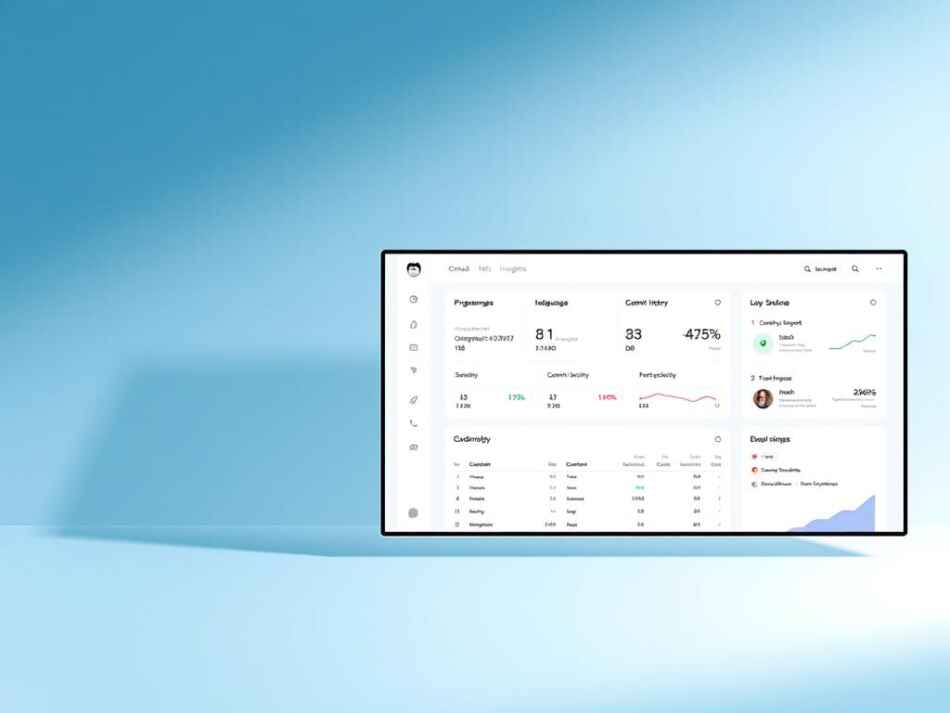
GitHub’s project boards help organize tasks and track progress. You can create boards for skills you want to improve. This lets you see your learning path and celebrate your achievements.
Codecademy: Interactive Learning
Codecademy is known for its interactive learning and tracking. It has structured paths that guide you through related courses. You see clear progress indicators for each path.
Achievement badges motivate you by rewarding course completions and streaks. These elements make learning fun and show your progress.
Codecademy’s completion percentages give detailed metrics on your course progress. This helps spot where you’re doing well or need to work harder. It breaks down complex concepts into easy-to-understand modules with feedback on exercises.
LeetCode: Problem-Solving Focus
LeetCode focuses on solving algorithmic problems. It has challenges by difficulty level, helping you get better over time.
The completion statistics feature shows your problem-solving patterns. You can see where you’re strong and where you need more practice. Many use this to plan their study.
LeetCode also has contests and leaderboards for a competitive edge. Timed contests let you compare your speed with others worldwide. This motivates you to improve your coding skills.
For interview prep, LeetCode has problem sets for specific companies. This helps you focus on challenges you might face in interviews.
Software Solutions for Professionals
The world of coding needs strong software to track skills. Basic learning sites can’t keep up with advanced careers. Learning dashboards for pros offer detailed analytics and paths for growth.
Pluralsight: Skill Assessments and Paths
Pluralsight is top for programming skill apps. It has a deep skill assessment engine. It checks skills in many tech areas, from web to cloud tools.
Its Skill IQ feature tests tech skills with adaptive tests. After a 20-minute test, you get a score and feedback on your strengths and weaknesses.
Role IQ checks skills for jobs like “Angular Developer.” It makes learning paths to fill skill gaps with the right content.
These tools help show skill growth to employers. Many teams use Pluralsight’s dashboard to see their skills and gaps.
Udemy for Business: Team Skill Tracking
Teams need tools to track skills together. Udemy for Business turns Udemy into a team tool with better tracking.
Team leaders can pick courses for projects or career plans. The learning dashboards show how teams do in courses and skills.
It lets teams follow custom learning paths. For example, a team can learn new tech together, with progress tracked.
It also finds skill gaps in teams. This helps leaders know where to train more. It makes learning fit business needs.
DataCamp: Focus on Data Skills
Data science and machine learning are key in coding. DataCamp tracks skills in these areas. It’s all about data skills.
DataCamp mixes theory with practice in coding exercises. Skill tests after each module build a skill profile.
DataCamp’s XP system tracks progress in data skills. It’s fun and shows real skill growth.
Its projects let you apply skills to real tasks. These projects are great for learning and showing skills to employers.
DataCamp links with GitHub to show off projects and code. This is great for those moving into data roles.
Gamification in Coding Skill Tracking
Today’s programming apps use gamification to make tracking coding progress fun and motivating. They add game elements like points, badges, and challenges. This turns coding into a fun, social activity.
Engaging Users through Competition
Competition is a great motivator for coders. Seeing how they stack up against others pushes them to get better. This creates a sense of community and keeps them on track.
Platforms like CodeWars and HackerRank use competition to keep users engaged. They offer coding challenges, award points, and show leaderboards. Seeing others succeed motivates users to keep practicing.
Good competitive features include:
- Daily or weekly coding challenges with time limits
- Achievement badges for mastering certain skills
- Points for both consistency and skill level
- Team competitions for teamwork and rivalry
- Leaderboards to show progress
Long-Term Learning Benefits
Learning to code is a long, tough journey. Gamification helps keep users motivated during tough times. It breaks down big goals into smaller, achievable steps.
Streak systems encourage daily coding. Seeing a streak grow motivates users to keep going. It’s a powerful way to stay committed to learning.
Level-based systems give a clear path to improvement. Each level means mastering new skills. The joy of moving up levels makes learning more fun and rewarding.
Real-World Application Scenarios
Gamified coding trackers work well in schools and workplaces. They make learning to code more engaging. This is true for students and professionals alike.
Coding bootcamps use gamification to help students progress. It shows their journey from beginner to expert. This approach has led to better results and more job placements.
Companies use these apps to train employees. Friendly competition boosts learning and retention. Big names like IBM and Microsoft have seen great results.
Gamification in coding has clear benefits:
- More time spent practicing (27% increase)
- Higher completion rates (up to 40%)
- Better retention of learned skills
- More sharing and community building
- Longer engagement with learning resources
Gamified goal tracking turns coding into a rewarding journey. It helps build lasting learning habits. It tackles both the cognitive and behavioral sides of skill development.
Best Practices for Using Skill Trackers
Using coding progress trackers well is more than just setting them up. It’s about using them in a smart way. Developers who get the most out of these tools follow certain best practices. These practices help turn just tracking into real learning.
Setting Achievable Goals
Starting with SMART goals is key for goal tracking for coders. SMART means Specific, Measurable, Achievable, Relevant, and Time-bound. Goals like “become a better programmer” are too vague.
Instead, aim for specific goals. For example, “complete 30 JavaScript algorithm challenges in the next month” or “build three responsive web applications using React within 60 days.” These goals give your code progress tracker clear targets to track.
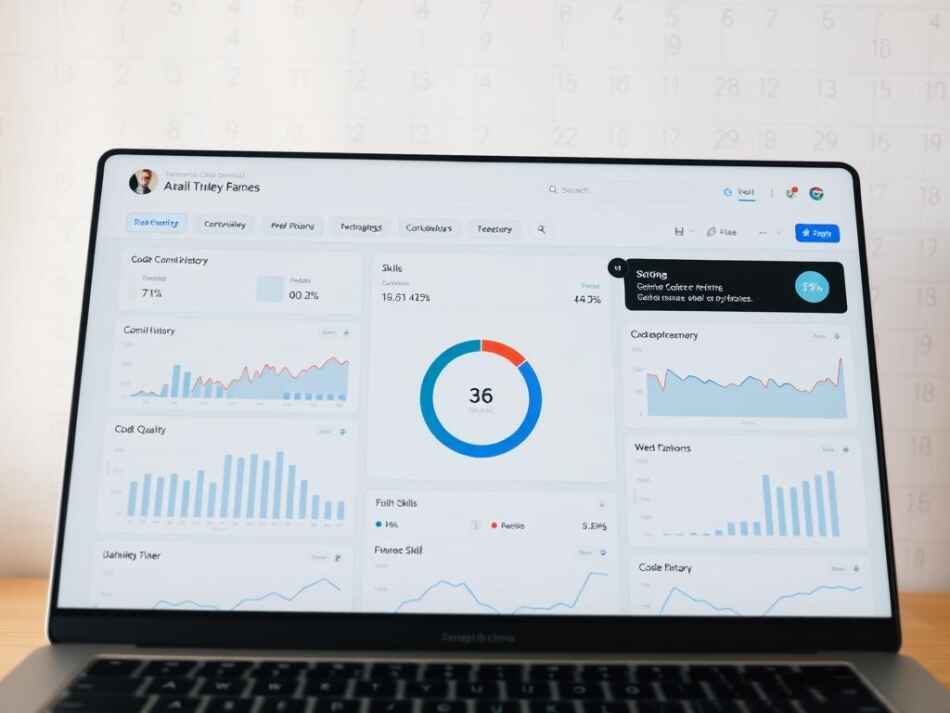
Break big goals into smaller steps. This makes progress clear and keeps you motivated. Beginners might aim to learn one new thing each week. Intermediate developers might focus on specific design patterns. Advanced coders might track their open-source contributions or code improvements.
Try a tiered goal system:
- Daily goals: Solve one coding challenge or learn one new method
- Weekly goals: Finish a project module or master a specific concept
- Monthly goals: Complete entire projects or courses
- Quarterly goals: Develop a broad skill set in a specific area
Regularly Reviewing Progress
Regularly checking your tracking data helps you grow. Find a schedule that fits your learning style. Most developers use a layered review system.
End each day with a 5-minute review. This keeps you on track and gives quick feedback. Daily reviews help maintain momentum.
Weekly reviews give deeper insights. Spend 15-30 minutes each week analyzing your code progress tracker data. Look for trends and areas needing more work. This helps adjust your learning path.
Monthly reviews show your long-term progress. Compare your current skills to past ones and adjust your goals. Many tools offer visualizations that help see your progress.
Seeking Feedback and Adjustments
Tracking tools only show part of your story. Add qualitative feedback to get a full picture of your growth.
Peer code reviews offer insights missed by tools. Have regular sessions with other developers to review your code. They can spot things you might miss.
Mentor guidance adds valuable context to your data. Experienced developers can help understand your progress and suggest changes. They might see skills you need to focus on more.
Joining coding communities or participating in events validates your skills. These interactions can highlight gaps in your goal tracking for coders metrics.
Remember, tracking tools are for your learning, not the other way around. Be open to changing your methods and tools as you grow. The best developers see their tracking systems as flexible tools, not strict rules.
By following these best practices, your coding trackers become powerful learning tools. A mix of clear goals, regular reviews, and feedback creates a strong learning environment. This environment helps you grow faster and more effectively.
Integrating Trackers into Learning Routines
Tracking progress is key to growing coding skills. Many start with tracking apps but soon stop. To keep growing, make tracking a part of your daily routine. Learning dashboards can help motivate you on your coding path.
Building a Habit with Daily Check-Ins
Getting used to tracking tools takes time and effort. It takes about 66 days to form a habit, not 21. Here are some tips to make tracking a habit:
- Habit stacking – Use tracking with habits you already have, like after your morning coffee
- Environmental triggers – Keep reminders near your desk to track your coding
- Start small – Begin with short tracking sessions, like 2-3 minutes
- Time blocking – Set times for coding and tracking on your calendar
The Pomodoro technique is great for tracking. Work for 25 minutes, then take a 5-minute break to log your progress. This creates a good rhythm for coding and tracking.
Using Trackers to Stay Motivated
Even the most dedicated coders get unmotivated sometimes. Goal tracking for coders can help. Use your tracking data wisely:
- Celebrate small wins to stay motivated
- Use graphs to see your long-term progress
- Find out why you’re not improving by looking at your data
- Set goals for the process, not just the outcome
If you hit a plateau, look at your tracking data. You might see small but important improvements. For example, your code quality might have gotten better even if your speed hasn’t.
Incorporating Peer Collaboration
Learning to code can be more fun with friends. Many tracking apps have social features. Here are ways to track with friends:
- Shared dashboards to stay accountable with friends
- Coding challenges to track and compare with others
- Code review exchanges for feedback in your tracking system
- Weekly check-ins to talk about your progress with a friend
Platforms like GitHub have features for tracking and collaborating. Your contribution graph shows your progress and commitment. This can help when you feel unmotivated.
Finding the right balance with tracking is important. Too little tracking doesn’t help, and too much can be discouraging. Start with a few key metrics and add more as you get used to tracking.
Evaluating the Effectiveness of Skill Trackers
Developers need to check if code progress trackers really help improve skills. The best apps give insights that make coding better. It’s important to check if your tracker really helps you learn.
Measuring Progress Over Time
Start by setting clear goals. Long-term trend analysis shows real progress, not just daily changes. Look at your skills from three months ago to see how far you’ve come.
Not all numbers are important for coding skills. Focus on what shows you’re getting better, like solving harder problems faster.
- Complexity of problems successfully solved
- Reduction in time needed to complete familiar tasks
- Decrease in debugging time for similar issues
- Implementation of increasingly advanced concepts
- Quality and efficiency of your code solutions
Many trackers show your progress over time. This helps you see if you’re really getting better or just stuck.
Identifying Strengths and Weaknesses
Good programming apps show what you’re good at and what you need to work on. They give detailed data to help you improve in specific areas.
Check if your tracker answers these questions:
- Which specific programming concepts do you consistently struggle with?
- Are there particular problem types where your solutions lack efficiency?
- Which skills have shown the most significant improvement recently?
- What patterns emerge when comparing your strongest and weakest areas?
Drill-down capabilities are key for deep analysis. Your tracker should let you look at different aspects of your coding. This helps you avoid missing important skills.
Adapting Learning Strategies Based on Data
The best tracker helps you make better learning choices. Data-driven adaptation turns tracking into a tool for improvement. It shows when and how to change your learning plan.
If you keep struggling with certain topics, focus on those. For example, if you’re bad at recursive algorithms, practice them more.
Choosing the right challenges is also important. Your tracker should help you find problems that are just right for you. Learning happens when you’re a little bit challenged.
Don’t just track your progress. Check if your tracker is working for you. As you get better, you might need different tools to track your growth.
Look for trackers that offer advice based on your skills. They should suggest learning paths that fit your needs. Make sure these suggestions are based on your real progress, not just generic advice.
The Future of Coding Skill Trackers
Coding skill trackers are changing fast. They’re getting better at helping us learn and grow. New tools will make learning easier and more personal.
These changes will change how we learn to code. They will also help companies find and grow their tech talent.
Emerging Technologies and Trends
New learning dashboards are coming. They use cool tech like real-time code analysis. This gives feedback as you code, helping you improve right away.
Machine learning is also getting involved. It predicts how well you’ll do based on your coding habits. This helps spot problems early.

- Augmented reality interfaces make learning fun by showing progress in 3D
- Blockchain-based credentials keep track of your coding wins securely
- IoT-enabled tracking watches your coding on all devices
- Biometric feedback systems link how you feel to your coding skills
Potential Impact on Coding Education
These tools will change how we learn. Courses might become more personal, based on what you can do.
Soon, programming skill apps might replace old grades. They focus on what you can do, not just how long you’ve been learning.
These apps could also lead to new ways of showing you’ve learned something. Employers might value these more than degrees.
Learning and work might blend together. Tools will connect what you learn to your job. This could help you move up faster.
Role of Artificial Intelligence
AI is changing coding skill trackers a lot. It can review code and suggest improvements. It’s very good at this.
AI is also great at making learning challenges just for you. Learning dashboards can create exercises based on what you need to work on.
AI can even guess how well you’ll do in the future. It looks at lots of data to predict your learning path.
But, there are challenges too. We need to think about privacy and make sure these tools don’t miss the creative side of coding.
The best tools will mix tech with human touch. Things like feedback from mentors and learning with others are important. The future programming skill apps will help us grow, not replace us.
Case Studies: Success Stories
Success in programming often comes from tracking progress. Developers who achieve great things don’t do it by accident. They use a structured way to track their growth and celebrate their successes.
These stories show how goal tracking for coders changes learning paths. It helps developers grow faster and reach their goals.
Real-Life Examples of Coding Growth
Sarah Chen, a self-taught developer, credits her success to tracking her skills. She started with a simple spreadsheet and later used GitHub to log her daily progress. Chen spent 30 minutes each evening recording her challenges, solutions, and new ideas.
Marcus Johnson, who switched from teaching to coding in 14 months, used a code progress tracker. He set weekly coding challenges and tracked his progress. This approach helped him build a strong portfolio that impressed employers.
The team at StartupX also has a success story. They used a skill tracking system that matched developer progress with project needs. This reduced onboarding time by 40% and boosted productivity by finding skill gaps early.
Lessons Learned from Expert Coders
Experienced developers share key insights on tracking progress. They say focusing on specific metrics that match career goals is more effective than tracking everything.
They also stress the importance of being consistent. Regular tracking, even with simple tools, beats using complex systems sporadically. Priya Sharma, a senior developer, says, “The best tracking system is the one you’ll use every day.”
Combining numbers and stories gives a full picture. Tracking problems solved or lines of code written is useful. But recording breakthroughs and deep understanding is just as valuable for growth.
- Balance between structured goals and exploration opportunities
- Regular review cycles (weekly, monthly, quarterly)
- Community accountability through shared tracking
- Adaptation of tracking methods as skills advance
- Integration of feedback from peers and mentors
Recommendations for New Coders
New coders should start with simple tracking methods. A basic journal or spreadsheet for daily learning activities is a good start. Focus on being consistent, not complex.
It’s also wise to use a goal tracking for coders system with both short-term and long-term goals. Break big goals into smaller, measurable tasks. This makes progress clear and keeps you motivated.
Using community resources can also help. Many developers join coding communities to share and celebrate their progress. GitHub, Stack Overflow, and Discord servers are great for this.
Lastly, regular reviews are important. Weekly reviews help with immediate adjustments, while monthly or quarterly reviews show broader patterns. This multi-layered approach makes your code progress tracker useful for both short-term and long-term goals.
Challenges in Tracking Coding Skills
Coding skill tracking tools are useful but come with challenges. As developers learn, they face obstacles that make tracking less effective. Knowing these challenges helps keep learning habits productive and skills growing.
Overcoming Data Overload
Today’s learning dashboards can be too much to handle. Developers get lost in too many metrics and charts. They need to know what’s most important.
To deal with too much data, try these tips:
- Focus on 3-5 key performance indicators that match your goals
- Make custom dashboard views that show only the most important metrics
- Have regular “data review” sessions instead of checking stats all the time
- Use filters to look at specific skill areas at different times
Creating a tiered information system helps. “I organize metrics into primary, secondary, and reference categories,” says a senior developer. This way, coders stay updated without feeling overwhelmed.
Addressing Motivation Dips
Learning to code can be unpredictable and chaotic. Many feel like they’re not making progress, leading to lost motivation. These feelings are normal but can be tough to see in tracking tools.
Good goal tracking for coders tackles these feelings:
- Break big skills into smaller achievements for more wins
- Use “streak” features to reward consistency
- Include options for comparing with peers, if you like competition
- Add prompts for reflecting on your growth
When tracking shows plateaus, look at past data. Seeing how far you’ve come can motivate you again.
Ensuring Complete Skill Assessment
Measuring important skills is a big challenge. Tools do well with numbers like problems solved but struggle with soft skills.
Here are key skills that are hard to measure but important for success:
- System design and architecture thinking
- Code maintainability and readability
- Problem decomposition approaches
- Collaboration and communication skills
- Debugging efficiency and methodology
To get a full picture, mix numbers with qualitative methods. Get feedback from peers or mentors. Use self-assessment questionnaires to show growth in areas hard to measure.
Some tools use AI to analyze coding style. But, human feedback is key for a complete evaluation.
Knowing what tracking tools can’t do makes them more valuable. By understanding their limits, developers can use other ways to assess their skills fully.
Conclusion: Choosing the Right Tracker for You
Finding the perfect tool to monitor your coding journey is easy. The right programming skill apps can make learning fun and keep you motivated.
Factors to Consider in Selection
Your skill level is key when picking a tracker. Beginners might like platforms with clear paths. Advanced coders might need tools for specific techs.
Think about how you learn best. Visual learners might like dashboards with lots of graphics. Practice-focused developers might prefer coding challenges.
Don’t forget about budget and time. Free tools like GitHub can help, while paid ones offer more features.
Final Thoughts on Continuous Learning
Tracking tools should be your friends on your coding journey. The best dashboards grow with you, changing as you learn new things. Remember, it’s better to check in often than to try too hard all at once.
Encouragement for Lifelong Skill Development
The tech world keeps changing, so you must keep learning. Your tracker should help you grow, not stress you out. Seeing your progress can really motivate you.
Begin with one tool that fits your current goals. As you get better, you can change your approach. Learning to code is a long journey. Choose tools that make it fun and keep you going.